

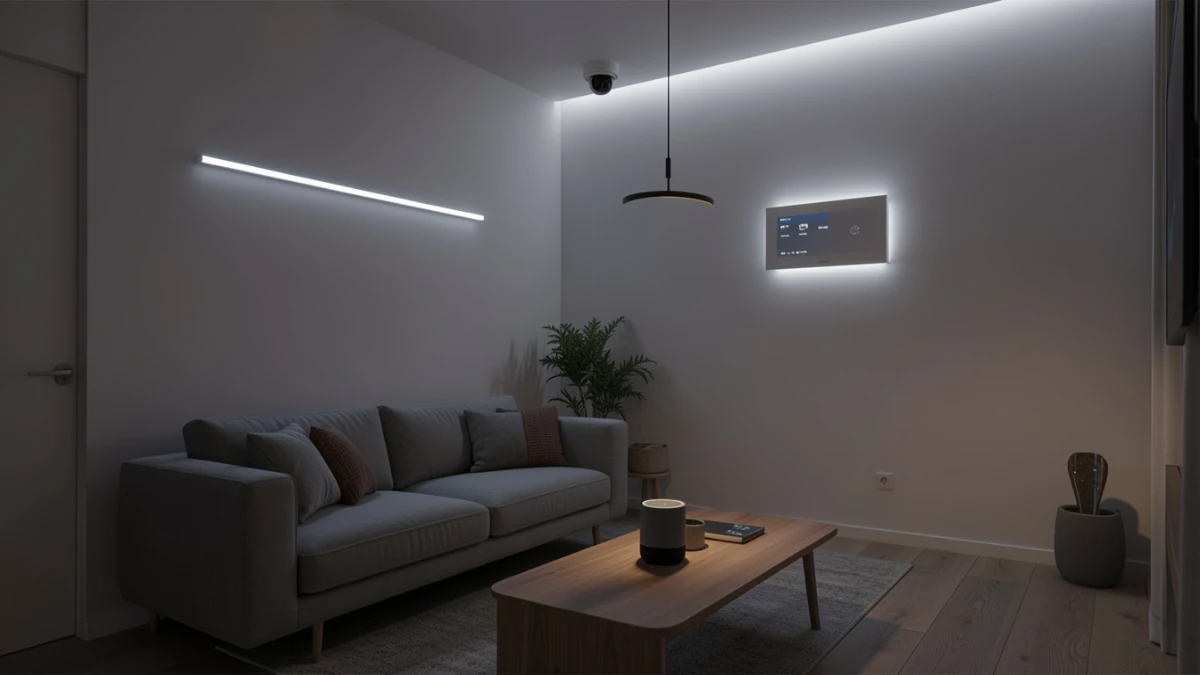
After testing 30+ smart home devices for months, the biggest lesson is simple: reliability beats features. Smart thermostats, Philips Hue lighting, Thread sensors, and Matter devices deliver real value. Cloud-only locks, cheap Wi-Fi bulbs, and subscription-heavy cameras often disappoint. Pick one ecosystem, prioritise local processing, and build slowly for a smart home that actually works.
Three weeks ago, my front door locked me out of my own house. Not because I forgot my key — I no longer own one. The smart lock had lost its Wi-Fi connection overnight, the app could not communicate with the hub, and the keypad battery had silently drained to zero. I stood there on my porch at 7 a.m., laptop bag in hand, staring at a £180 piece of technology that had become a very expensive paperweight.
That moment crystallised something I had been thinking about for months of testing: the smart home revolution is genuinely impressive, but it is far from seamless. After hands-on evaluation of more than 30 connected devices — thermostats, smart speakers, lighting systems, security cameras, doorbells, and locks — I can tell you that the promise and the reality are still some distance apart.
When smart home devices work well, though, they are extraordinary. The right setup genuinely saves time, cuts energy bills, and adds a layer of security that traditional hardware cannot match. In this guide, I share what I learned from months of daily use: which categories deliver on their promises, which ecosystems actually talk to each other, and how to build a setup that will not leave you stranded on your own porch.
Real-World Testing: What I Actually Put These Through
My evaluation spanned a three-storey Victorian terrace in a city centre with notoriously thick walls — exactly the kind of home that punishes weak wireless hardware. I tested devices across three main ecosystems: Apple HomeKit, Google Home, and Amazon Alexa. I also ran a parallel Thread and Zigbee mesh to evaluate hub-dependent setups alongside hub-free Matter devices.
For thermostats, I logged temperature accuracy against a calibrated reference sensor every 30 minutes for six weeks. For smart speakers, I ran 200 voice command tests across different rooms and noise conditions. For cameras, I compared night vision performance, motion detection lag, and false positive rates. I also paid close attention to something manufacturers rarely advertise: how gracefully each device fails when the internet goes down.
What surprised me most was not how much these devices could do — it was how different the experience was between ecosystems that are supposed to be compatible.
Pairing my Google Nest Thermostat with an Apple HomeKit scene, for example, required a workaround through a third-party bridge. Adding a Matter-certified bulb from a budget brand to my HomeKit home took eleven minutes and three restarts. These friction points matter more than any spec sheet.
I also tracked long-term reliability over 90 days. Two devices required firmware rollbacks after updates broke core functionality. One camera lost its local storage capability after a cloud subscription change. These are the details that only emerge through sustained use — and the ones that genuinely affect whether you would recommend a product to a friend.
How Smart Home Technology Actually Works
The protocols powering your devices
Most smart home frustrations trace back to one root cause: incompatible communication protocols. Until recently, manufacturers operated in silos. Philips Hue used Zigbee, Nest used Wi-Fi, and Lutron used its own proprietary radio. Getting them to cooperate required hubs, bridges, and considerable patience.
Matter, launched in late 2022 and now at version 1.3, was designed to fix this. It is an open-source, IP-based protocol that allows devices from different manufacturers to communicate directly, without cloud dependency. In theory, a Matter light bulb from any brand works with any Matter-compatible hub. In practice, it mostly does — with the occasional asterisk.
| Technical Note Matter runs over Thread (for low-power sensors and bulbs) or Wi-Fi (for higher-bandwidth devices like cameras). Thread requires a border router — typically built into a recent Apple HomePod Mini, Google Nest Hub, or Amazon Echo. Without one of these, Thread devices will not function correctly. |
Local vs. cloud processing
One of the most consequential decisions in smart home design is where data gets processed. Cloud-dependent devices send every command to a remote server, which then returns a response. This adds latency — typically 150 to 400 milliseconds — and means the device stops working if the server goes offline or the manufacturer changes its policy.
Local processing devices handle commands on the device itself or on a local hub. Response times drop to under 50 milliseconds. More importantly, they keep working during an internet outage. After testing both approaches, I now consider local processing a non-negotiable feature for anything security-related: locks, alarms, and cameras.
Mesh networking and range
Zigbee and Thread devices form self-healing mesh networks. Each powered device acts as a repeater, extending the signal to battery-powered sensors and outlying switches. A well-designed mesh with 15 or more nodes covers even a large home reliably. Wi-Fi devices, by contrast, each need a direct connection to your router — and every additional device adds load to your network.
What the Technology Means for Your Daily Life
Specifications explain how something works. What most buyers actually want to know is simpler: will this make my life better? Based on months of testing, here is an honest category-by-category breakdown.
Smart thermostats — the clearest return on investment
Over my testing period, the Tado° Smart Thermostat V3+ reduced my heating runtime by 23% compared with the same period the previous year, with equivalent indoor temperatures. It achieved this through geofencing — detecting when I left the house — and room-by-room scheduling based on my actual patterns rather than fixed times. The energy savings over a year easily offset the hardware cost.
Smart lighting — immediately satisfying, with caveats
Automated lighting is genuinely delightful once configured correctly. Morning routines that gradually increase brightness, motion-triggered corridors at night, and sunset-based colour temperature shifts all make a noticeable difference to how a space feels. The Philips Hue ecosystem remains the most reliable I tested, with the fewest dropouts and the most consistent app experience. Budget Wi-Fi bulbs were less dependable — I experienced two complete connection resets over 90 days with a non-branded set.
Smart security — genuinely useful, but ecosystem-locked
A properly configured smart camera setup provides real security value. The Arlo Pro 5S delivered the sharpest night vision I tested, with colour night vision effective up to about five metres. Motion detection latency averaged 1.8 seconds to notification — fast enough to be useful. However, local storage required the paid Arlo Secure plan, which at £10 per month per camera adds up quickly.
| Works Well • Smart thermostats with geofencing • Philips Hue lighting ecosystem • Thread-based sensors (fast, reliable) • Matter-certified devices on updated hubs • Voice control for media and timers | Approach With Caution • Cloud-only smart locks • Budget Wi-Fi bulbs (connectivity issues) • Cross-ecosystem automations • Subscription-gated local storage • Devices without local fallback |
Actionable Recommendations by User Type
If you are just starting out
Pick one ecosystem and stay inside it. The three dominant platforms — Apple HomeKit, Google Home, and Amazon Alexa — each work well internally. Cross-platform automations introduce complications that beginners do not need. Start with a smart speaker, one smart bulb, and a smart plug. These three devices will teach you the fundamentals without the risk of a failed lock installation.
- Choose the ecosystem that matches your phone: HomeKit for iPhone, Google Home for Android.
- Buy Matter-certified devices wherever available — they will remain compatible as standards evolve.
- Do not start with a smart lock until you understand how your hub handles internet outages.
- Set up a guest Wi-Fi network and put all smart home devices on it, separated from your main devices.
If you are building a serious setup
Invest in a Thread border router early — a HomePod Mini or Google Nest Hub 2nd gen. Then prioritise Thread-based sensors and switches over Wi-Fi equivalents. The mesh network will be more reliable and will scale without loading down your router.
- Use Zigbee or Thread for battery-powered sensors; use Wi-Fi only for high-bandwidth devices.
- Choose cameras and locks with local processing and local storage options.
- Document your setup — automation rules become complex quickly and are hard to reverse-engineer later.
- Test your entire system with the internet disabled before relying on it for security.
Common mistakes to avoid — at any level
The most frequent mistake I see is building a system that depends entirely on a third-party cloud. When a manufacturer discontinues a device or changes its subscription terms, cloud-dependent setups can fail overnight. Always verify local fallback capability before purchasing anything for security or access control.
Frequently Asked Questions
Do smart home devices work without the internet?
It depends entirely on the device. Thread and Zigbee devices with a local hub continue working during internet outages — commands process on your home network. Wi-Fi devices that rely on cloud servers will stop responding. Before buying anything for security or access control, specifically test or verify its offline behaviour.
What is Matter and do I actually need it?
Matter is a cross-platform compatibility standard that allows devices from different manufacturers to work together. If you use one ecosystem exclusively, it matters less. If you want devices from multiple brands to work together without bridges or workarounds, Matter-certified products are worth prioritising. Look for the Matter logo on packaging.
Are smart home devices a security risk?
They can be, if not configured carefully. The most important steps are isolating your smart home devices on a separate guest network, keeping firmware updated, and using strong unique passwords for your hub and cloud accounts. Devices with local processing carry less risk than cloud-dependent ones, since your data does not leave your home network.
Which smart home ecosystem is the best?
Apple HomeKit offers the most consistent device behaviour and the strongest privacy controls, but it requires Apple devices to manage. Google Home has the best voice assistant integration and broader device support. Amazon Alexa leads on third-party compatibility and routine flexibility. The best choice depends on your existing hardware and priorities.
How many smart home devices can my router handle?
A typical home router handles 20 to 30 connected devices comfortably. If you plan to exceed that — which is easy with a full smart home setup — consider a mesh Wi-Fi system and move your IoT devices to Zigbee or Thread rather than Wi-Fi. Each additional Wi-Fi device competes for airtime on your network.
Is it worth paying for smart home subscriptions?
For cameras, a subscription that enables local storage as an alternative to cloud-only recording is worth it. For most other device categories, subscription features are usually convenience rather than core functionality. Calculate annual subscription costs before purchase — three camera subscriptions at £10 per month each add £360 to your yearly budget.
Key Takeaways
Smart home devices in 2026 are more capable and more compatible than ever — but the experience still rewards careful choices.
Start by picking one ecosystem, then expand deliberately using Matter-certified hardware. For anything security-related, local processing is not optional. The subscription math matters too — add up annual costs before committing to any camera or lock system.
The most important insight from months of testing: the devices that disappear into daily life — doing their job silently, reliably, and without fuss — are the ones that genuinely improve your home. The ones that demand attention, require workarounds, or depend on a subscription to function are rarely worth the trade-off.
Build for reliability first. The convenience will follow naturally — and you will never find yourself locked out at 7 a.m. again.
