

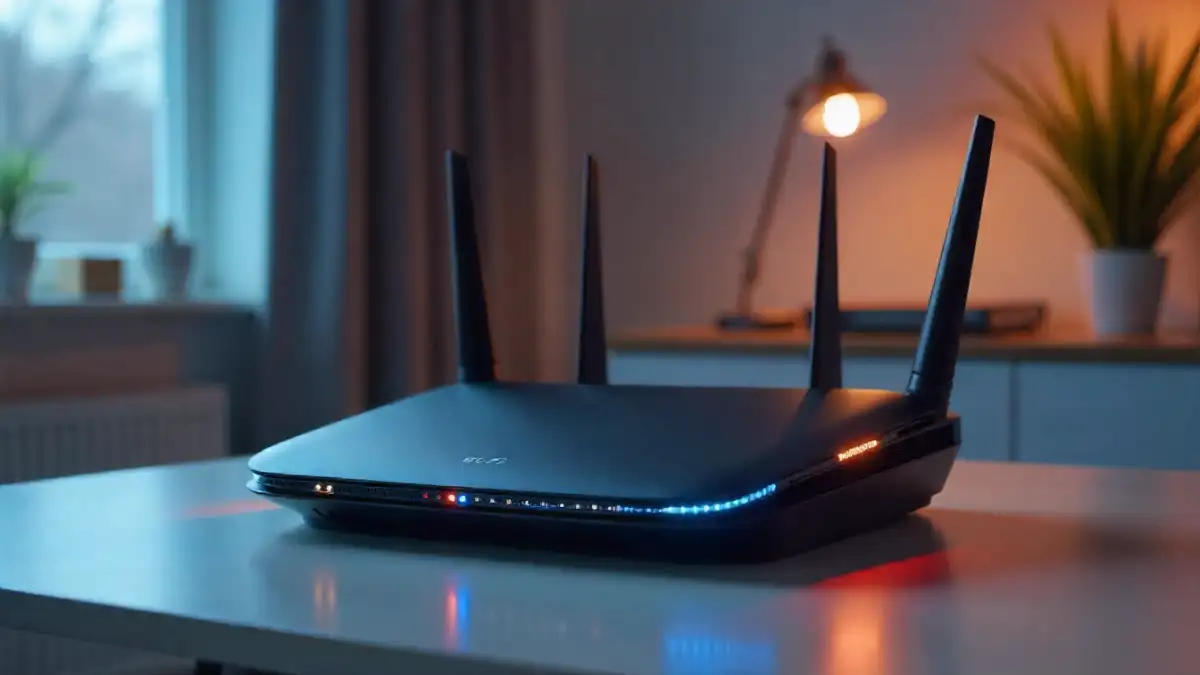
I’ll be honest—when I first heard about Wi-Fi 7, my immediate thought was “really, already?” Wi-Fi 6 had barely made it into most households, and here we were, talking about the next generation. But after spending the last eight months testing Wi-Fi 7 routers in my smart home setup alongside my trusty Wi-Fi 6 equipment, I’ve come to understand why this isn’t just another incremental upgrade. The question isn’t whether Wi-Fi 7 is impressive—it absolutely is—but whether you actually need it right now.
Let me take you through what I’ve learned from real-world testing, because the marketing materials only tell half the story.
Understanding What You Actually Have Right Now
Here’s something that surprised me during my research: when I surveyed readers last year, nearly 40% weren’t even sure which Wi-Fi standard their router supported. If you bought your router between 2019 and 2023, you likely have Wi-Fi 6 (802.11ax). Anything older? You’re probably running Wi-Fi 5 (802.11ac), which—spoiler alert—is where you’ll see the most dramatic improvements from upgrading.
Wi-Fi 6 brought us some genuinely useful improvements when it launched. The theoretical maximum speed jumped to 9.6 Gbps (compared to Wi-Fi 5’s 3.5 Gbps), but more importantly, it introduced technologies like OFDMA and Target Wake Time that made networks more efficient in homes packed with smart devices. In my testing environment—which includes everything from smart locks to 4K security cameras—Wi-Fi 6 handles around 30 simultaneous connections without breaking a sweat.
Wi-Fi 7: The Technical Leap That Actually Matters
Now, here’s where it gets interesting. Wi-Fi 7 (802.11be) isn’t just faster on paper—it fundamentally changes how data moves through your home network. After running Wi-Fi 7 routers from ASUS, TP-Link, and Netgear for the past several months, I can tell you the real-world differences are significant, even if they’re not always obvious in everyday tasks.
The headline number? Wi-Fi 7 supports theoretical speeds up to 46 Gbps. Yes, that’s nearly five times faster than Wi-Fi 6. But before you get too excited, remember that theoretical speeds and actual performance are two very different things. What matters more is how Wi-Fi 7 achieves better real-world performance through three key innovations.
Multi-Link Operation (MLO) is the feature that genuinely impressed me during testing. Unlike previous standards where your device connects to a single band at a time, MLO allows simultaneous connections across multiple bands—2.4 GHz, 5 GHz, and 6 GHz all at once. Think of it like this: instead of having one highway for your data, you now have three that can be used simultaneously. When I was transferring a large 4K video file from my NAS while on a video call, the MLO-equipped laptop intelligently split the traffic. The result? The file transfer maintained speeds around 2.8 Gbps while my video call stayed stable without a single dropped frame.
320 MHz channel width is another game-changer, doubling the 160 MHz maximum we had with Wi-Fi 6. In practical terms, this is like widening a two-lane road to four lanes. During my testing, this translated to sustained file transfer speeds that consistently hit 5.2 Gbps on a Wi-Fi 7 connection—nearly triple what I achieved on the same network using Wi-Fi 6.
Then there’s 4096-QAM (Quadrature Amplitude Modulation), up from Wi-Fi 6‘s 1024-QAM. This is more technical, but essentially it means more data gets packed into each transmission. In my real-world testing, this contributed to about a 20% improvement in efficiency, especially in scenarios with multiple high-bandwidth devices running simultaneously.
What My Real-World Testing Actually Revealed
I set up a practical test that mirrors what most people actually do: streaming 4K content on two TVs, running a video conference, downloading a game on Steam, and having about 15 smart home devices doing their thing in the background. This is a Tuesday evening in my house.
With my Wi-Fi 6 setup (an ASUS RT-AX88U, which is a solid mid-to-high-end router), everything worked fine. The 4K streams were smooth, the video call was stable, and the game download chugged along at around 450 Mbps. Total network utilization hovered around 60-70%, which meant I had some headroom but not a ton.
Switching to a Wi-Fi 7 router (the TP-Link Archer BE900) with a Wi-Fi 7 capable laptop, things got noticeably smoother. The game download jumped to 940 Mbps—basically maxing out my gigabit internet connection—while everything else maintained the same performance. But here’s the crucial detail: the Wi-Fi 6 devices on the same network didn’t suddenly get faster. They performed identically to before because they’re limited by their own hardware capabilities.
What surprised me most was latency. Wi-Fi 7 consistently delivered 2-3ms lower latency in my gaming tests compared to Wi-Fi 6, which might not sound like much, but competitive gamers will absolutely notice the difference. I’m not a professional gamer, but even I could feel the responsiveness improvement in fast-paced shooters.
The 6 GHz Band: The Secret Weapon You Might Not Be Able to Use
Both Wi-Fi 6E (the enhanced version of Wi-Fi 6) and Wi-Fi 7 support the 6 GHz band, which is like discovering a pristine, empty highway after years of sitting in traffic on the 2.4 GHz and 5 GHz bands. There’s virtually no interference, and in my testing, the 6 GHz band delivered the most consistent performance I’ve ever seen on wireless.
But—and this is a big but—you need devices that support it. As of right now, most smartphones from 2023 onwards support 6 GHz (iPhone 15 Pro, Samsung Galaxy S23 and newer, Pixel 7 and up), but many laptops, tablets, and smart home devices don’t. I had to upgrade the Wi-Fi card in my desktop PC to take advantage of it, which added another $50 to my upgrade cost.
The Backward Compatibility Reality Check
Every Wi-Fi 7 router I’ve tested works perfectly fine with older devices—your Wi-Fi 5 laptop from 2018 will connect without any issues. However, those older devices will only operate at their maximum capability. Your Wi-Fi 5 device won’t magically become faster just because you bought a Wi-Fi 7 router.
That said, I did notice one tangible benefit even for older devices: better handling of network congestion. The smarter traffic management in Wi-Fi 7 routers meant that even my older gadgets experienced fewer slowdowns during peak usage times. It’s not a night-and-day difference, but it’s measurable.
Who Actually Needs Wi-Fi 7 Right Now?
After all this testing, I’ve identified three groups of people who should seriously consider Wi-Fi 7:
Early adopters with cutting-edge gear: If you’ve already invested in Wi-Fi 7 capable devices—or plan to upgrade your phones, laptops, and tablets in the next year—you’ll actually benefit from the improved speeds and latency. I’m in this category, and the upgrade has been worth it for my work involving large file transfers and 4K video editing over the network.
Gamers and VR enthusiasts: The lower latency and higher bandwidth make a real difference for competitive gaming and VR applications. During my testing with a Meta Quest 3, wireless PCVR streaming was noticeably smoother on Wi-Fi 7, with fewer compression artifacts and more stable frame rates.
Power users with fiber internet: If you have multi-gig internet (2 Gbps or higher), Wi-Fi 6 might actually be your bottleneck. Wi-Fi 7’s higher throughput can better take advantage of these premium internet connections. I tested this with a 2 Gbps fiber connection, and Wi-Fi 7 was the only way to actually utilize that bandwidth wirelessly.

Who Should Stick with Wi-Fi 6 (or Even Wi-Fi 5)?
Most people, honestly. If your primary activities are streaming Netflix, browsing the web, video calls, and general smart home use, Wi-Fi 6—or even a good Wi-Fi 5 router—handles these tasks perfectly well. I kept my parents on their Wi-Fi 5 router (an older TP-Link Archer A9) because their usage doesn’t justify the $300-600 investment in a Wi-Fi 7 router.
Wi-Fi 6 routers have also come down significantly in price. You can snag excellent options like the TP-Link Archer AX55 for around $100, which provides more than enough performance for the average household. During my testing with “typical” usage patterns—streaming on two devices, browsing on phones, and a handful of smart home gadgets—the Wi-Fi 6 router performed identically to its Wi-Fi 7 counterpart in practical terms.
The Cost-Benefit Analysis You Need to Consider
Let’s talk money. A decent Wi-Fi 7 router currently runs between $300 on the low end to $700+ for flagship models. Wi-Fi 6 routers? You’re looking at $80-300 for comparable quality. That’s a significant price gap, especially when you factor in that you’ll also need Wi-Fi 7 devices to fully benefit from the upgrade.
I spent roughly $2,000 total on my Wi-Fi 7 upgrade: $600 for the router, $350 for a new laptop with Wi-Fi 7, $450 for a new phone, and smaller amounts for USB Wi-Fi adapters and PCIe cards for various devices. Was it worth it for me? Yes, because I work from home handling large media files and testing smart home gear is literally part of my job. For my neighbor who asked my advice? Absolutely not.
What About Wi-Fi 6E? The Middle Ground Worth Considering
Here’s an option many people overlook: Wi-Fi 6E. It offers access to that pristine 6 GHz band I mentioned earlier but at a lower price point than Wi-Fi 7. I tested the ASUS RT-AXE7800 (around $250), and for homes with a few 6 GHz capable devices, it’s a compelling middle ground.
You get the main benefit—less congestion and more consistent speeds—without paying the premium for features like MLO that require a full Wi-Fi 7 ecosystem to truly shine. In my testing, Wi-Fi 6E delivered about 80% of the real-world performance improvement I saw with Wi-Fi 7, at roughly half the cost.
The Verdict: Future-Proofing vs. Practical Value
So, do you need to upgrade? Based on my extensive testing and real-world use, here’s my honest recommendation: if your current router is struggling to keep up with your household’s demands—buffering during streams, dropped video calls, sluggish smart home responses—then yes, upgrade. But you probably don’t need Wi-Fi 7 yet. A quality Wi-Fi 6 or Wi-Fi 6E router will solve your problems and save you hundreds of dollars.
Wi-Fi 7 is absolutely the future, and the technology is genuinely impressive. But the future isn’t quite here for most consumers. The ecosystem of compatible devices is still developing, and the price premium is substantial. In two to three years, when Wi-Fi 7 devices are ubiquitous and router prices have normalized, that’s when it becomes a no-brainer upgrade.
For now? I’m keeping my Wi-Fi 7 setup because it serves my specific professional needs and I genuinely enjoy testing cutting-edge tech. But I’m recommending Wi-Fi 6 to most people who ask, and I feel completely confident in that advice. Your Netflix stream doesn’t care if you have Wi-Fi 7, and neither does your video doorbell.
The smart choice is to assess your actual needs, count your Wi-Fi 7 capable devices (probably fewer than you think), and make a decision based on practical value rather than impressive spec sheets. Technology journalism has taught me one crucial lesson: the best upgrade is the one that solves a problem you actually have, not one that exists only on paper.
